Views
Views provide a space for you to build outside the structure of your app. You can…
- experiment with new design ideas without changing your app itself
- break a component out of your app and put it into different states
- set up a design system gallery
- build new components and edit existing components
See the setup guide to learn how to configure your app to support views.
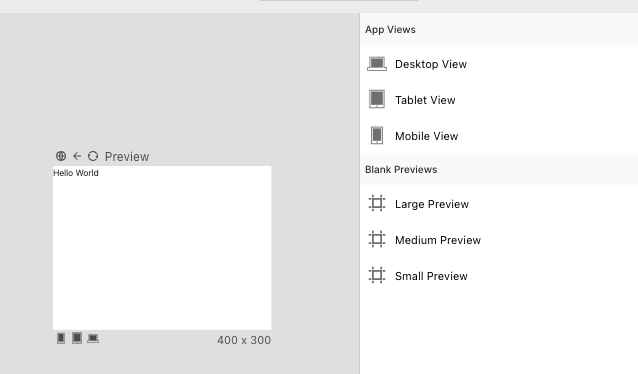
You can create a view by dragging a component into a blank space on the canvas. Try dragging from the library, navigator, or from another frame on the canvas. You can also create blank views by dragging them from the right side panel.
Here's a picture of a view that's been created on the canvas:
For the latest info on views and help configuring views for your project contact us on our Discord or send us an email.